
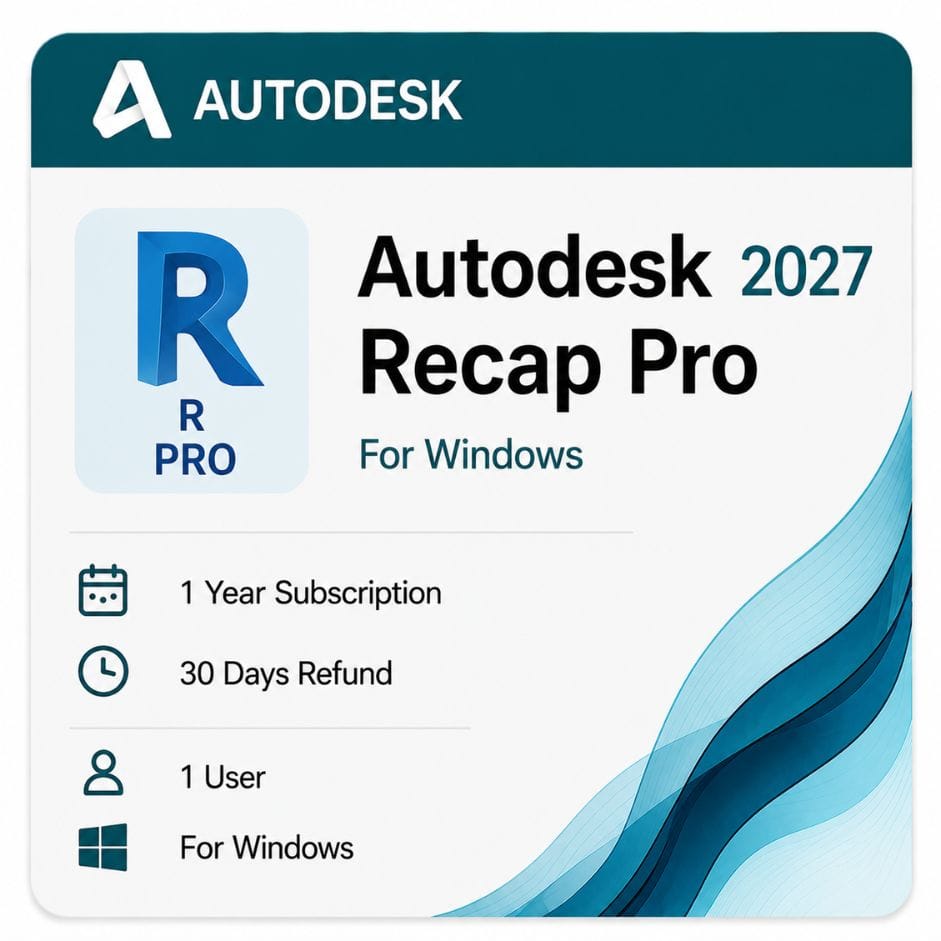




Autodesk ReCap Pro for Windows
Original price was: $99.00.$59.00Current price is: $59.00.
Genuine Autodesk ReCap Pro for Windows — turn laser scans and photos into point clouds for AutoCAD, Civil 3D and Revit. $59 / year, redeemed to your own account, delivered by email.
| Delivery | Direct Invite from Autodesk on your Email |
|---|---|
| Licence Type | 1-Year Subscription |
| Platform | Windows |
| Activation Region | Global |
Description
Autodesk ReCap Pro turns laser scans and photographs into point clouds and meshes you can work with inside AutoCAD, Civil 3D and Revit. It is the bridge between what a scanner captures on site and what your design software can actually use.
What Autodesk ReCap Pro does
A laser scanner or drone produces millions of raw measurement points. That data is unusable in CAD until it has been registered, cleaned and converted into a format your design software reads.
The Autodesk ReCap Pro software indexes the raw scan files, aligns multiple scan positions into one coordinate system, removes noise, and outputs RCP and RCS files that AutoCAD, Civil 3D and Revit attach directly.
The workflow in practice
- Capture the site with a laser scanner, drone or camera
- Import the raw scans or photos into ReCap Pro
- Register the scan positions into one aligned point cloud
- Clean, classify and decimate the data to a workable size
- Export as RCP or RCS and attach it in your design software
Step three is where most of the value sits. Registering scans by hand is slow and error-prone; the reality-capture tools in ReCap Pro automate the alignment and let you correct it where needed.
What the recap pro subscription unlocks
The free tier is now called ReCap Standard, and it is the same desktop application as the paid product — a recap pro subscription simply unlocks the professional features on top of it.
| Capability | ReCap Standard (free) | ReCap Pro (subscription) |
|---|---|---|
| View point clouds | Yes | Yes |
| Attach RCP/RCS in AutoCAD and Revit | Yes | Yes |
| Import and index raw scan files | Yes | Yes |
| Register multiple scan positions | No | Yes |
| Photogrammetry — photos to 3D | No | Yes |
| Point cloud to mesh conversion | No | Yes |
| Ground classification | No | Yes |
| Intelligent decimation | No | Yes |
The short version: if you only need to view and attach point clouds someone else prepared, the free Standard tier covers it. If you are processing your own scan data, the recap pro subscription is what you need.
One honest caveat about cloud processing
The desktop registration and editing tools are included in your plan. But cloud-based services — Scan to Mesh and ReCap Photo photogrammetry — consume Autodesk Flex tokens on top of the subscription. Budget for those separately if your workflow leans on cloud processing rather than desktop registration.
Point clouds into AutoCAD, Civil 3D and Revit
This integration is the reason to choose ReCap Pro over standalone scan-processing software.
AutoCAD
Attach an RCP file and draft directly against the scan. Object snaps work on point cloud geometry, so you trace existing conditions rather than measuring from photographs.
Civil 3D
Point clouds become existing-ground surfaces. Ground classification separates terrain from vegetation and structures before you build the TIN surface, which is the difference between a usable surface and a mess.
See Autodesk Civil 3D for the surface, corridor and earthwork side of that workflow.
Revit
Scan-to-BIM work starts here. Attach the point cloud, then model walls, floors and structure against real measured geometry instead of drawings that may not match what was built.
See Autodesk Revit for the BIM modeling side.
Photogrammetry — building 3D from photographs
You do not need a laser scanner to use ReCap Pro. It processes overlapping photographs into a textured 3D model.
Drone photography of a site, or handheld photos of a building facade, both work. Accuracy is lower than laser scanning, but for visual documentation and rough as-built context it is often sufficient — and considerably cheaper than hiring a scanning crew.
What photogrammetry suits
- Drone capture of sites, roofs and stockpiles
- Facade documentation where scanner access is difficult
- Visual records for progress documentation
- Rough existing-condition context ahead of detailed survey
For dimensional accuracy that a design will be built from, laser scanning remains the right tool.
Point cloud to mesh conversion
Point clouds are collections of individual points. Some workflows need continuous surfaces instead — visualization, 3D printing, or handing geometry to software that cannot read point data.
The autodesk recap pro software converts scans to mesh, with decimation controls that reduce the polygon count without destroying the shapes that matter.
Intelligent decimation is worth understanding here: rather than removing points evenly, it keeps density where geometry is complex and thins it where surfaces are flat.
Supported formats
| Format | Direction | Typical use |
|---|---|---|
| RCP / RCS | Native | Attaching in AutoCAD, Civil 3D, Revit and Navisworks |
| E57 | Import | Neutral scan exchange between scanner brands |
| LAS / LAZ | Both | LiDAR and aerial survey data |
| PTS / PTX | Import | Common scanner text formats |
| OBJ / FBX | Export | Meshes into visualization and modeling software |
| Scanner-native formats | Import | Most major scanner brands, plus E57 as a common denominator |
Most scanners export E57 as a common denominator, so brand compatibility is rarely the obstacle it once was.
Recap pro price and the collection question
Autodesk sells this as a subscription only. Here is what the recap pro price looks like on a 12-month term, and how it compares against the collection.
| Route | Term | What you get | Price |
|---|---|---|---|
| ReCap Pro standalone | 12 months | ReCap Pro only | $59 |
| ReCap Pro — 3-year term | 36 months | Same, rate locked | $159 |
| Autodesk direct | 12 months | Same | ~$99 |
| Your saving vs Autodesk annual | 12 months | ~$40 |
Be honest with yourself about which one you need
ReCap Pro on its own is only useful if you already own the design software you are feeding. Point clouds are not the deliverable — they are an input.
If you need Civil 3D or Revit as well, the AEC Collection includes ReCap Pro alongside both and costs far less than buying them separately. Most people arriving at this page are better served by the collection.
Standalone makes sense when you already have the design tools and only need to add scan processing.
Who uses ReCap Pro
Surveyors
Registering scan positions, classifying ground, and delivering point clouds clients can actually open in their own software.
Civil engineers
Existing-ground surfaces from scan or drone data for road, drainage and site design.
Architects and BIM managers
Scan-to-BIM on refurbishment and retrofit projects, where drawings rarely match what was built.
Construction teams
Progress documentation and verifying built work against the model before problems become expensive.
Version years and device use
An active autodesk recap pro subscription includes access to the three previous releases through your Autodesk account, so you are not locked to the newest version.
You can install the software on up to three devices, though only the named user can sign in and use it on one machine at a time.
Version access matters when a client specifies which release their deliverables must be produced in, or when a scanner’s file format is only supported from a particular version onward. Note that ReCap 360 was the older cloud-based name for this product line — today’s product is ReCap Pro.
How to buy and activate
- Add the 12-month subscription to your cart
- Complete checkout using Visa, Mastercard or PayPal
- Receive your license details by email, usually within minutes
- Sign in to your Autodesk account and redeem the entitlement
- Download the installer from Autodesk and sign in to activate
Instructions come with the email. If activation stalls, email support@zoftis.com or call +1 934-202-5786 — we reply within an hour, almost around the clock.
When your 12 months end
The professional features stop, dropping back to the free Standard tier. Your RCP and RCS files remain on disk — and importantly, point clouds already attached in AutoCAD, Civil 3D or Revit keep working, because those applications read the files directly.
What you lose is the ability to register and process new scans. Renewing the autodesk recap pro subscription restores it with nothing lost.
Why buy your Autodesk subscription from zoftis
Everything we supply is genuine and redeemed against your own Autodesk account — never a shared or recycled seat. If the license is inaccurate or won’t activate, we replace it or refund you within 30 days.
Related Autodesk products
- Autodesk AEC Collection — includes ReCap Pro with Civil 3D, Revit and AutoCAD; usually the better buy
- Autodesk Civil 3D — turns your processed point clouds into surfaces, corridors and earthwork
- Autodesk Revit — model against scan data for scan-to-BIM and retrofit work
- AutoCAD for Windows — draft directly on top of an attached point cloud
- BIM Collaborate Pro — coordinate scan-based models across the whole project team
Features
ReCap Pro feature highlights
Scan registration
- Automatic and manual registration of multiple scan positions
- Survey-point and target-based alignment
- Noise removal and coordinate-system management
Photogrammetry
- Textured 3D models from overlapping photos
- Drone and handheld capture supported
- Geo-located meshes and ortho-photos via ReCap Photo
Point cloud editing
- Ground classification separating terrain from objects
- Intelligent decimation that preserves complex geometry
- Region isolation, clipping and measurement tools
Mesh conversion
- Point cloud to mesh with controllable polygon density
- OBJ and FBX export for visualization and modeling
Integration
- Native RCP/RCS for AutoCAD, Civil 3D, Revit and Navisworks
- E57, LAS/LAZ, PTS/PTX import from major scanners
- Autodesk cloud storage for reality-capture data
Specifications
License specification
| Detail | Specification |
|---|---|
| Product | Autodesk ReCap Pro |
| License type | Commercial subscription (single named user) |
| Core use | Point cloud registration, photogrammetry, mesh conversion |
| Platform | Windows 10 / 11 (64-bit) |
| Term options | 1 year (3-year available) |
| Version access | Current plus three previous releases via your Autodesk account |
| Devices | Install on up to 3; one signed-in user at a time |
| Cloud services | Scan to Mesh and ReCap Photo require Autodesk Flex tokens |
| Registered to | Your own Autodesk account |
| Activation | Online, via Autodesk account |
| Delivery | By email, usually within minutes |
| Support | Email support@zoftis.com and phone +1 934-202-5786 |
| Refund | 30-day money-back if inaccurate or won't activate |
System Requirements
ReCap Pro system requirements (Windows)
These are Autodesk's recommended specifications. Point clouds are memory-hungry, so more RAM and a dedicated GPU help significantly on large datasets.
| Component | Recommended | For large datasets |
|---|---|---|
| Operating system | Windows 10 (64-bit) or higher | Windows 11, 64-bit |
| CPU | 2.0 GHz+ 64-bit (x64) processor | Higher-clock multi-core Intel Core / AMD Ryzen |
| RAM | 16 GB or more | 32 GB+ for large point clouds and mesh conversion |
| GPU | Dedicated GPU with recent drivers | 4 GB+ VRAM dedicated GPU |
| Disk space | SSD with space for scan projects | NVMe SSD; scan datasets can be very large |
| Display | 1600 × 1050 or higher | 2560 × 1440 or higher |
| Internet | Required for activation and cloud services | Required |
Cloud services such as Scan to Mesh run on Autodesk's servers and need a reliable connection plus Flex tokens.
FAQs
What does Autodesk ReCap Pro do?
It registers laser scans, runs photogrammetry, and converts raw scan data into point clouds and meshes that AutoCAD, Civil 3D and Revit can use directly. It's the bridge between site capture and your design software.
What's the difference between ReCap and ReCap Pro?
They're the same desktop app. The free tier (ReCap Standard) views and attaches point clouds; a Pro subscription unlocks scan registration, photogrammetry, mesh conversion, ground classification and decimation.
How much does ReCap Pro cost?
$59 for a 1-year Windows subscription on this listing, redeemed to your own Autodesk account. A 3-year term is available at $159.
Do I need Flex tokens as well?
Desktop registration and editing are covered by the subscription. Cloud services — Scan to Mesh and ReCap Photo — additionally consume Autodesk Flex tokens, so budget for those if your workflow uses cloud processing.
Does ReCap Pro work with AutoCAD, Civil 3D and Revit?
Can I use ReCap Pro without a laser scanner?
Yes. Photogrammetry turns overlapping drone or handheld photos into a textured 3D model — lower accuracy than laser scanning, but far cheaper for visual documentation and rough context.
What scan formats does it import?
E57, LAS/LAZ, PTS and PTX, plus most major scanner-native formats. E57 acts as a common denominator across brands, so compatibility is rarely an obstacle.
Can I convert point clouds to a mesh?
Yes. ReCap Pro converts scans to mesh with intelligent decimation that keeps detail where geometry is complex and thins flat areas, then exports to OBJ or FBX.
Is there a perpetual ReCap Pro license?
No. Autodesk sells ReCap Pro only as a subscription. Your subscription includes access to the three previous releases through your Autodesk account.
How many devices can I install it on?
Up to three devices, but only the named user can sign in and use it on one computer at a time.
How much RAM do I need?
16 GB is the recommended baseline, but point clouds are memory-hungry — 32 GB or more helps with large datasets and mesh conversion.
Should I buy ReCap Pro standalone or the AEC Collection?
If you also need Civil 3D or Revit, the AEC Collection includes ReCap Pro and costs far less than buying them separately. Standalone makes sense only if you already own the design tools.
How fast is delivery and what payment do you accept?
License details are emailed within minutes of payment. We accept Visa, Mastercard and PayPal on-site, with bank transfer, Wise and Payoneer available on request.
What happens when my subscription ends?
ReCap Pro drops back to the free Standard tier — you can still view and attach point clouds, and clouds already attached in AutoCAD, Civil 3D or Revit keep working. You lose the ability to process new scans until you renew.
What if the license doesn't activate?
Email support@zoftis.com or call +1 934-202-5786 and we'll help. If the license is inaccurate or won't activate, we replace it or refund you within 30 days.
Related products
AutoCAD Commercial License for Windows and Mac
Original price was: $2,310.00.$1,499.00Current price is: $1,499.00.
Autodesk 3ds Max Price for Windows License
Original price was: $99.00.$59.00Current price is: $59.00.
Autodesk Inventor Professional for Windows
Original price was: $99.00.$59.00Current price is: $59.00.
Autodesk Product Design & Manufacturing Collection- Commercial License
Original price was: $2,999.00.$2,299.00Current price is: $2,299.00.
Reviews
Clear filtersThere are no reviews yet.