
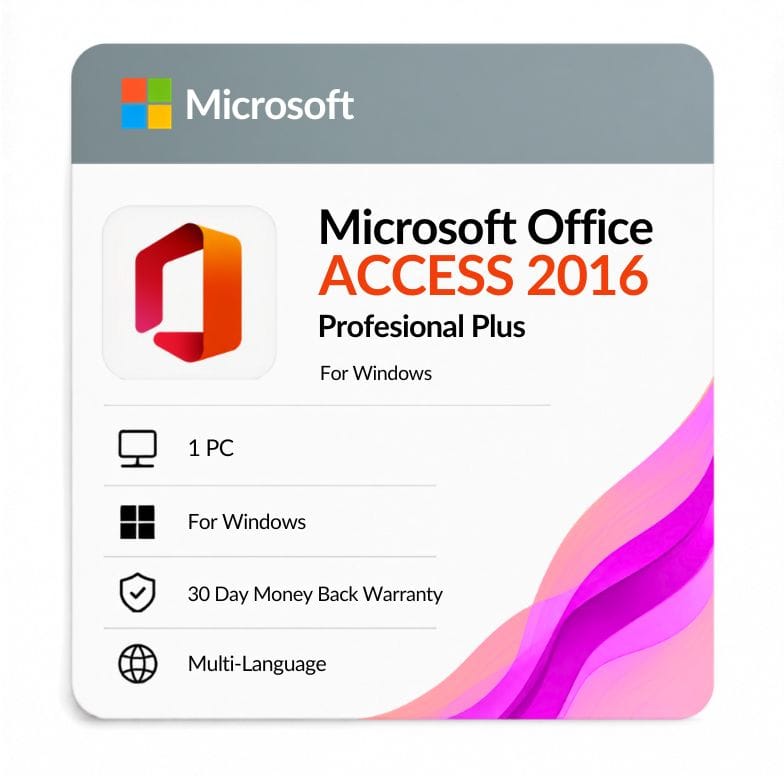



Access 2016 Product Key
Original price was: $51.99.$39.49Current price is: $39.49.
Genuine Microsoft Access 2016 license for 1 Windows PC — $39.49 one-time (was $51.99, save 24%). Delivered by email within the hour, backed by a 30-day money-back guarantee.
| Activation Region | Global |
|---|---|
| Brand | Microsoft |
| Delivery | Digital — Email within 1–12 Hours |
| Language | All Languages |
| Installation Type | Digital Download (Product Key) |
| License Type | Retail |
| Platform | Windows |
| Devices | 1 PC |
| Version/Edition | 2016 |
Description
An Access 2016 product key activates Microsoft’s standalone desktop-database app on one Windows PC for a single payment of $39.49. It’s the subscription-free way to build and maintain .accdb databases, forms and reports on their own — without paying for a full Office suite.
What Access 2016 is for
Access 2016 is a desktop database builder — you create tables, queries, forms and reports to store and organize structured data. It sits between a spreadsheet and a full server database, which is why small offices and solo users rely on it.
The 2016 release refined the interface with the “Tell Me” search box and added new chart types, making a standalone product key for access 2016 a practical upgrade over older versions for anyone doing regular database work.
Why buy Access 2016 on its own
You only pay for the one app you need. If your Office suite lacks Access, or you simply want database tools without the rest, a standalone access 2016 license is the cheapest route in.
- Add Access to a machine that already has Word and Excel from another edition.
- Open, edit and maintain existing .accdb and legacy .mdb databases.
- Keep a database workflow running without committing to a yearly subscription.
This is the same database engine you’d get inside office 2016 standard access bundles, but sold on its own so you’re not paying for apps you won’t use.
What’s included with your license
Your product key for access 2016 unlocks the complete desktop-database toolkit on one PC.
| Capability | What it does |
|---|---|
| Tables & relationships | Store structured data and link records |
| Queries | Filter, sort and combine data on demand |
| Forms | Build data-entry screens for everyday use |
| Reports | Print and export formatted summaries |
| Templates | Ready-made contact, inventory and task databases |
| File format | .accdb, with support for opening legacy .mdb |
Who Access 2016 is for
Choose this if you maintain existing databases, need Access without a suite, or want database tools as a one-time purchase rather than a subscription.
- Small businesses tracking inventory, clients or orders in a desktop database.
- Users inheriting or maintaining .accdb files built in Access 2016.
- People who bought a suite without Access and just need the database app.
Who should choose something else: if you want the newest standalone release, look at Access 2019 or Access 2021. If you need the whole suite, Office 2016 Professional Plus includes Access.
Access 2016 vs Access 2013
2016 is the newer step up from 2013 — same standalone app, refined interface, later compatibility. Here’s how the two direct siblings compare.
| Access 2016 | Access 2013 | |
|---|---|---|
| Release year | 2016 | 2013 |
| License type | One-time perpetual | One-time perpetual |
| Interface | Refined ribbon with “Tell Me” search | First flat/touch redesign |
| New tools | New chart types, improved templates | Web-app templates (since retired) |
| Security updates | Extended support ended October 2025 | Ended April 2023 |
| Price | $39.49 | $16.99 |
Verdict: choose 2016 for the newer interface and later compatibility; drop to Access 2013 to save if you’re maintaining older databases on older hardware.
One payment, no subscription
This is a one-time perpetual license, not a rental. You pay $39.49 once and the access 2016 license stays valid — nothing renews and nothing expires, unlike a Microsoft 365 plan.
The key is tied to one Windows PC and comes with an invoice for your records.
End-of-support status — read before you buy
Access 2016 no longer receives security updates. Microsoft’s extended support for Office 2016 ended in October 2025, so there are no further patches for this version.
That’s fine for offline machines and legacy-database maintenance. For internet-facing business use on a modern PC, a newer edition of Access is the safer choice — we’d rather flag that than sell you the wrong tool.
From checkout to activation
- Order and pay by card, PayPal, Wise or Payoneer.
- Your access 2016 product key arrives by email — usually within the hour, up to 12 hours at most.
- Install Access 2016, enter the key, and activate. The 32-bit and 64-bit builds use the same license.
Genuine license, backed up
Every key is genuine and comes with a 30-day money-back guarantee. Support is available 24/7 at Support@zoftis.com and usually replies within an hour, so if activation ever stalls, a real person helps you finish. Whether you bought it standalone or need the same database tools found in office 2016 standard access setups, the support is identical.
Other Access versions & the suite
- Access 2013 — choose this to save on older-database maintenance.
- Access 2019 — a newer standalone Access release.
- Access 2021 — the most modern standalone Access we stock.
- Office 2016 Professional Plus — get Access bundled with the full 2016 suite.
Features
Full desktop-database toolkit
- Build tables, queries, forms and reports in the .accdb format.
- Open and edit existing .accdb and legacy .mdb databases.
- Ready-made templates for contacts, inventory, tasks and projects.
Refined 2016 experience
- "Tell Me" search box for finding commands fast.
- New chart types and improved templates over Access 2013.
- Runs standalone — no full Office suite required.
Genuine, one-time license
- Perpetual retail key — pay once, no subscription.
- Same key activates the 32-bit or 64-bit build.
- Invoice provided; 30-day money-back guarantee.
Specifications
| Attribute | Detail |
|---|---|
| Product | Microsoft Access 2016 |
| Platform | Windows |
| Devices | 1 PC |
| License type | Retail, one-time perpetual |
| Build | 32-bit and 64-bit (same key) |
| File format | .accdb (opens legacy .mdb) |
| Region | Worldwide |
| Language | Multilingual |
| Delivery | Email — within 1 hour (up to 12 hours max) |
| Price | $39.49 (was $51.99, save 24%) |
System Requirements
| Requirement | Minimum |
|---|---|
| Operating system | Windows 7, 8, 8.1, 10 or 11 (also runs on Server 2008 R2/2012 R2) |
| Processor | 1 GHz or faster with SSE2 |
| Memory (RAM) | 1 GB (32-bit) / 2 GB (64-bit) |
| Hard disk | 3.0 GB available space |
| Display | 1024 × 768 resolution |
| Graphics | DirectX 10 compatible for hardware acceleration |
FAQs
Is this a genuine Access 2016 product key?
Yes. You receive a genuine retail microsoft access 2016 product key that activates the app on one Windows PC. It comes with an invoice and a 30-day money-back guarantee, so your purchase is fully protected.
Does one key work for both 32-bit and 64-bit?
Yes. The same license activates either build. Whether you install the access 2016 32 bit product key version or the access 2016 64 bit product key version, you enter the identical key. Choose 64-bit for very large databases and 32-bit for best compatibility with older add-ins.
Do I need the full Office suite to use Access?
No. This is a standalone app — it installs and runs on its own. If you'd rather have the whole suite, Office 2016 Professional Plus includes Access alongside Word, Excel, PowerPoint and Outlook.
Does Access 2016 still get security updates?
No. Microsoft's extended support for Office 2016 ended in October 2025, so there are no further security patches. It's well suited to offline machines and legacy .accdb maintenance; for internet-facing work on a modern PC, a newer version of Access is safer.
How do I download and activate it?
After purchase you'll get the key by email with setup guidance. Install the app, then enter your ms access 2016 product key to activate. If you need the microsoft access 2016 download installer, our 24/7 support can point you to the correct file.
Can it open older .mdb databases?
Yes. Access 2016 works with the .accdb format and can open and convert legacy .mdb files, so an access database 2016 product key buyer can keep working with databases built in earlier versions.
Related products
Microsoft Office 2021 Professional Plus 1 PC lifetime License
Original price was: $79.00.$49.99Current price is: $49.99.
Microsoft Office Home & Student 2019
Original price was: $124.99.$72.67Current price is: $72.67.
Microsoft Office LTSC Professional Plus 2021 Product Key
Original price was: $183.99.$49.49Current price is: $49.49.
Office 2021 for Mac Download — Home & Business Lifetime Key
Original price was: $249.99.$104.71Current price is: $104.71.
Office 2024 Home and Student — Lifetime Key for PC & Mac
Original price was: $149.99.$99.09Current price is: $99.09.
Product Key for Office Professional Plus 2010
Original price was: $83.99.$31.49Current price is: $31.49.
Reviews
Clear filtersThere are no reviews yet.