
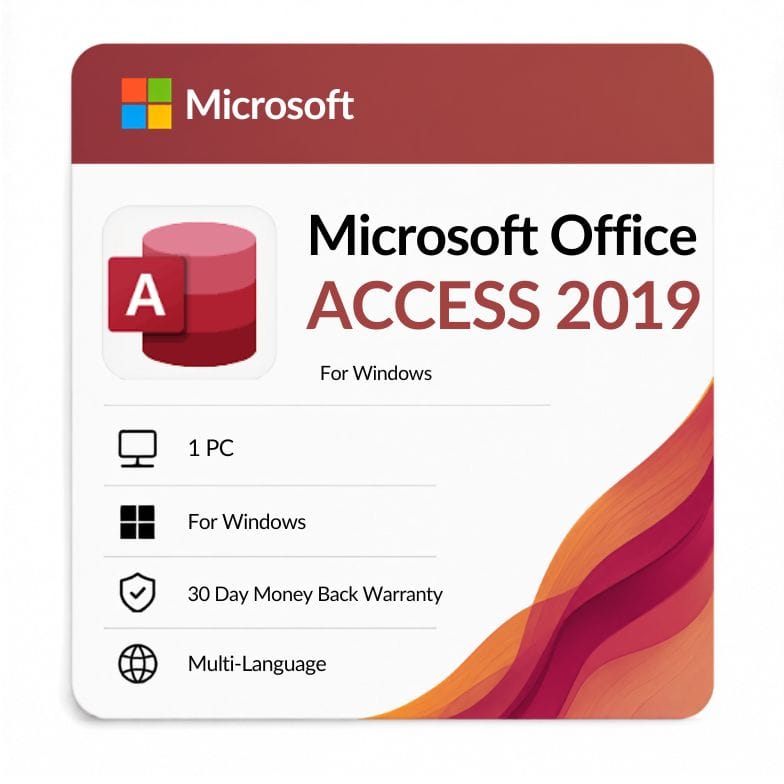



Microsoft Access 2019 Product Key
Original price was: $112.99.$49.99Current price is: $49.99.
$49.99 (was $118.99, save 56%) · One-time payment, no subscription · Standalone Microsoft Access 2019 · 1 Windows PC · Emailed within 1 hour · 30-day money-back guarantee
| Activation Region | Global |
|---|---|
| Brand | Microsoft |
| Delivery | Digital — Email within 1–12 Hours |
| Language | All Languages |
| Installation Type | Digital Download (Product Key) |
| License Type | Retail |
| Platform | Windows |
| Devices | 1 PC |
| Version/Edition | 2019 |
Description
Access 2019 is Microsoft’s desktop database app, sold here on its own as a one-time purchase — build tables, queries, forms and reports on one Windows PC without buying a whole Office suite. You pay $49.99 once (list $118.99, save 56%) and own it for life, with no subscription and no renewal.
What Access 2019 is for
Access 2019 lets you build and run relational databases on your desktop — no server, no coding required to start. It’s the tool for organizing data that’s outgrown a spreadsheet: linked tables, lookups, and forms that let people enter and find records without touching the raw data.
Buying microsoft access 2019 as a standalone license makes sense when Access is the one Office app you actually need. You’re not paying for Word, Excel and PowerPoint you won’t open — just the database engine and its design tools.
What you can build with it
- Tables — store data in linked, relational tables with defined field types.
- Queries — filter, join and calculate across tables to answer questions.
- Forms — clean data-entry screens so users never edit tables directly.
- Reports — formatted, printable summaries of your data.
- Macros & VBA — automate tasks and build small database apps.
- Import/export — pull in Excel, CSV and other sources; export results back out.
Who Access 2019 is for
This standalone license suits people who need a real database but not the rest of Office. Ordering ms access 2019 on its own is the cheapest route when Access is your only requirement.
- Small businesses tracking inventory, orders, clients or bookings.
- Admins and analysts who’ve hit the limits of Excel and need real tables.
- Developers maintaining an existing Access database or front-end.
- Anyone who already has Word and Excel elsewhere and just needs Access.
Choose something else if: you also need Word, Excel and the rest — the Office 2019 Professional Plus suite includes Access 2019 along with every other app, and can be better value if you need more than the database. Access is not sold in the Home editions, so Professional Plus is the suite to compare against.
Standalone Access vs the full suite
The core decision is Access alone versus the whole toolkit.
| Option | Apps | Best for | Price |
|---|---|---|---|
| Access 2019 (standalone) | Access only | Database-only users | $49.99 |
| Office 2019 Professional Plus | All 7 apps incl. Access | Full desktop toolkit | $69.51 |
Verdict: If Access is genuinely all you need, the standalone office access 2019 license is the cheaper buy. But at only about $20 more, the full Professional Plus suite is worth a look if there’s any chance you’ll want Word, Excel or Outlook too.
Access 2019 vs Access 2016
Against its predecessor, Access 2019 adds newer chart types and data connectors while keeping the same perpetual license model.
| Access 2019 | Access 2016 | |
|---|---|---|
| Release year | 2018 | 2015 |
| License type | One-time (perpetual) | One-time (perpetual) |
| New chart types | Adds modern charts (bar, line, pie, combo) | Without the newer chart set |
| Data connectors | Added dBASE and Salesforce/connector support | Fewer built-in connectors |
| Large Number (BigInt) | Supported | Not supported |
| Security-update status | Longer support window than 2016 | Reached end of support October 2025 |
Verdict: Choose Access 2019 for the newer charts, Large Number support and a longer support runway. Drop to Access 2016 only if you need to match an older environment — it’s now past end of support.
How this compares to Access in Microsoft 365
This standalone access 2019 is a one-time purchase; the Access in Microsoft 365 is part of a yearly subscription. The perpetual license never expires and never charges again, but it stays on the 2019 feature set. The 365 version keeps getting new features but only while you keep paying.
For a fixed, owned copy of Access on one PC, the perpetual license is the economical choice. If you want continuously updated Access and the rest of the cloud apps, a 365 plan fits better.
One-time license, plainly
You buy once and the license is yours for the lifetime of the PC it’s activated on — no renewal, no recurring charge. Your access 2019 product key is a genuine retail activation code covering one Windows PC, delivered digitally with an invoice. It’s a Windows license; Access has never been part of Office for Mac, so there’s no Mac version to buy.
From checkout to activation
- Order and pay by VISA, Mastercard, PayPal, Wise or Payoneer.
- Your key and download link arrive by email — usually within an hour, up to 12 hours at most.
- Install Access 2019, enter your key, and sign in with your Microsoft account to activate.
An invoice is included with every order. The price is the same $49.99 whether you searched for access 2019 price or a microsoft access 2019 standalone license — one flat, one-time cost.
Genuine license, backed up
Every key is a genuine retail license backed by a 30-day money-back guarantee and 24/7 support at Support@zoftis.com, usually answered within the hour. If a key ever fails to activate, we replace it or refund you.
Related products
- Office 2019 Professional Plus — the full suite; includes Access 2019 plus every other app.
- Access 2016 — the previous standalone version, lower price.
- Access 2021 — the newer standalone version with a longer support window.
- Access 2024 — the current perpetual Access release.
- Excel 2019 — if a spreadsheet is closer to what you actually need.
Features
Microsoft Access 2019 features
Build databases
- Relational tables with defined field types and relationships
- Queries to filter, join and calculate across data
- Forms for clean, controlled data entry
- Formatted, printable reports
New in 2019
- Modern chart types — bar, line, pie and combo charts
- Large Number (BigInt) data type support
- dBASE and additional data-source connectors
- Property sheet and design usability improvements
Automate & connect
- Macros and VBA for automation and small apps
- Import and export with Excel, CSV and other sources
- Works fully offline once installed and activated
Licensing
- One-time perpetual license for 1 Windows PC
- Genuine retail key, digital delivery with invoice
- No subscription, no expiry, no renewal
Specifications
| Attribute | Detail |
|---|---|
| Product | Microsoft Access 2019 (standalone) |
| Platform | Windows |
| Devices | 1 PC |
| License type | Retail — one-time / perpetual (lifetime) |
| Included app | Access 2019 only |
| Region | Global |
| Language | Multi-language (select at install) |
| Delivery | Email — key + download link, within 1 hour (max 12 hours) |
| Price | $49.99 (was $118.99, save 56%) |
System Requirements
| Requirement | Minimum |
|---|---|
| Operating system | Windows 11 or Windows 10 (supported builds) |
| Processor | 1.6 GHz or faster, 2-core |
| Memory (RAM) | 4 GB (64-bit) / 2 GB (32-bit) |
| Disk space | 4 GB available |
| Display | 1280 × 768 resolution |
| Internet | Required for download and one-time activation |
| Account | Microsoft account for activation |
Note: Access has never shipped as part of Office for Mac — it's a Windows-only app. Windows 10 reached end of support in October 2025, so Windows 11 is recommended for ongoing security.
FAQs
Is this a standalone Access 2019 license or the full suite?
Standalone. This access 2019 license activates the Access desktop app on its own — Word, Excel and the rest aren't included. If you need those too, the Office 2019 Professional Plus suite includes Access 2019 as well.
What does Access 2019 cost?
The microsoft access 2019 price here is $49.99 — a one-time payment, not a subscription. That's 56% off the $118.99 list price, and it's the full standalone app with no recurring fees.
Is it a one-time purchase or a subscription?
It's a one-time perpetual license. You pay once and keep Access on your PC for the life of that computer, with no renewal. This is the microsoft access 2019 standalone perpetual version, separate from the Access included in a Microsoft 365 subscription.
Does Access 2019 work on Mac?
No. Access is a Windows-only app and has never been part of Office for Mac. If you're on a Mac, you'd need to run Windows on it (for example via Boot Camp or a virtual machine) to use Access 2019.
How is Access 2019 different from Access 2016?
Access 2019 adds modern chart types, the Large Number (BigInt) data type and extra data connectors, plus a longer support window. Access 2016 reached end of support in October 2025, so 2019 is the better pick unless you need to match an older setup.
Can I open older Access databases with it?
Yes. Access 2019 opens and works with databases created in earlier versions, so an existing .accdb file from Access 2016 or 2013 will open fine. You can keep maintaining an existing database or build new ones.
Is it genuine, and how fast is delivery?
Yes — every access 2019 product key is a genuine retail license with an invoice included. Delivery is by email within the hour (up to 12 hours max), payment is via VISA, Mastercard, PayPal, Wise or Payoneer, and you're covered by a 30-day money-back guarantee.
Related products
2024 Office Home and Business Product Key
Original price was: $249.99.$82.76Current price is: $82.76.
Excel 2019 Product Key — Lifetime Standalone License for Windows
Original price was: $91.99.$47.49Current price is: $47.49.
Microsoft Office Professional Plus 2013 CD Key
Original price was: $108.99.$35.19Current price is: $35.19.
Microsoft Outlook 2021 Download — Standalone Email & Calendar Client
Original price was: $116.99.$52.79Current price is: $52.79.
Office 2021 for Mac Download — Home & Business Lifetime Key
Original price was: $249.99.$104.71Current price is: $104.71.
Reviews
Clear filtersThere are no reviews yet.